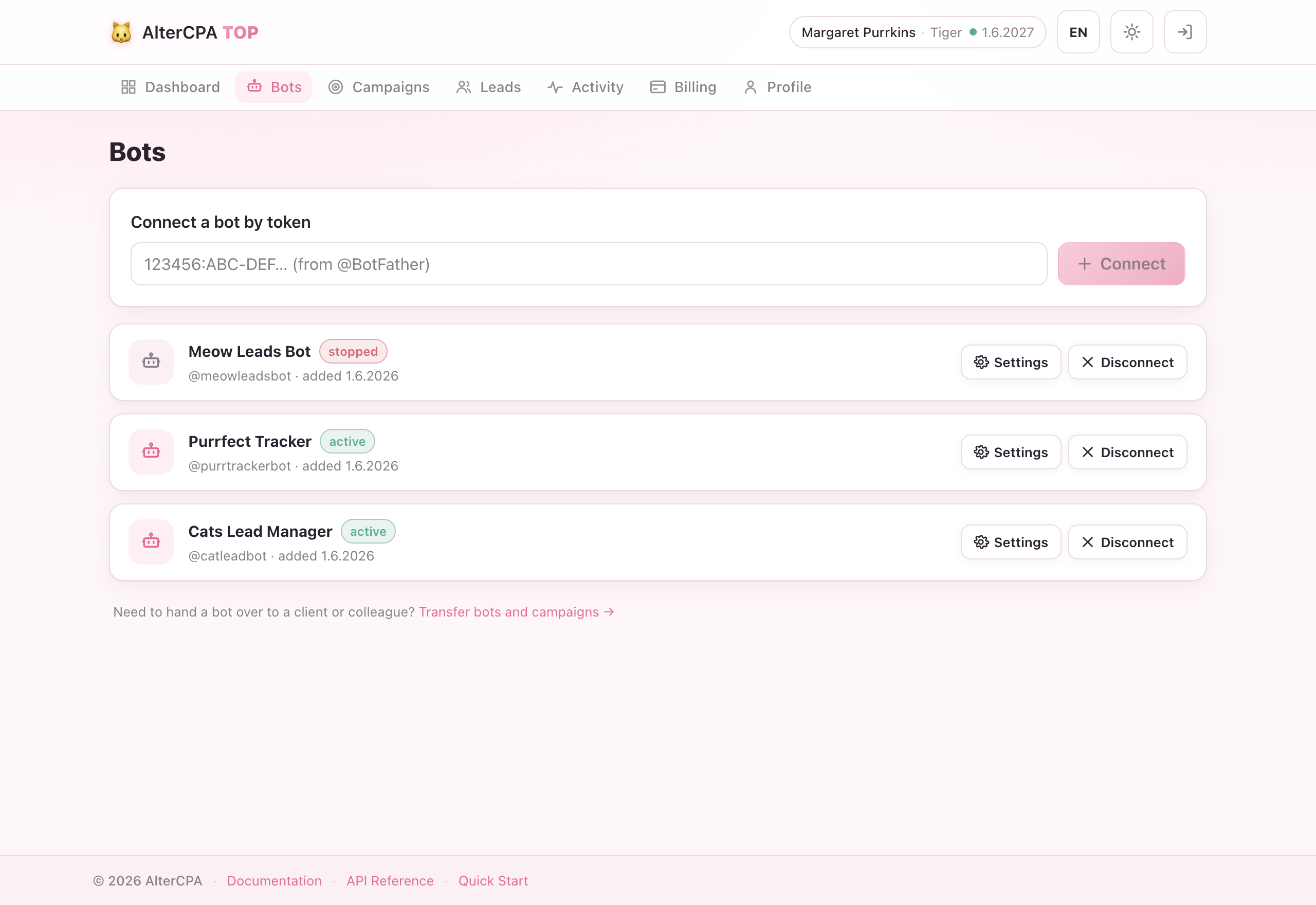
Bots
Your Telegram bots are how AlterCPA TOP greets subscribers and watches your chats. Connect a bot once, then reuse it across as many campaigns as you like.
Step 1 — create a bot in BotFather
- Open @BotFather in Telegram.
- Send
/newbot. - BotFather will ask for a display name and then a username (must end in
bot). - Copy the API token from BotFather’s confirmation message —
it looks like
7123456789:AAH_abc123....
Keep the token private. Anyone with it can send messages as your bot.
Step 2 — add the bot in AlterCPA TOP
- Go to Bots in the dashboard and click Add bot.
- Paste the token and confirm.
We call getMe to validate the token, then register a webhook automatically —
Telegram will start pushing updates to us. If the token is wrong you’ll see
the token error. If another AlterCPA TOP account already uses that bot you’ll
see exists.
Step 3 — make the bot a chat admin
The bot must be an administrator of every channel or group you want to track. Telegram only sends join/leave events to bots that are admins — without admin rights the chat simply won’t appear in the campaign picker, and joins won’t be tracked.
In your channel/group: Administrators → Add Administrator → search your bot by username → confirm with default rights.
Why doesn’t the chat appear right away?
Telegram has no “list my chats” API. We learn about a chat the moment the bot is added or promoted to admin (via anmy_chat_memberevent). After you promote the bot, go back to the campaign editor — the chat should appear within seconds.
Bot settings — default campaign
Each bot card has a Settings button. Its one option is the bot’s default
campaign: which campaign greets someone who opens the bot by a plain link
(t.me/YourBot, no campaign code).
| Choice | Behaviour |
|---|---|
| Newest active campaign (default) | Always uses your freshest active campaign on this bot. |
| A specific campaign | Pins one campaign to handle every code-less start. |
A /start that does carry a campaign code always uses that campaign,
regardless of this setting — the default only covers plain links.
Bot statuses
| Status | Meaning |
|---|---|
| ✅ Active | The bot is connected and all its tracked chats are healthy. |
| ⚠️ Warning | The bot lost admin in one or more chats. Affected campaigns are paused and you receive a notification in the service bot. Re-promote the bot to restore admin. |
| Disconnected | The bot has been removed from your account (soft-deleted). History is kept; the bot can be re-added. |
Restore a disconnected bot
Re-adding the same token reactivates the original bot record — no duplicate is created and history is preserved.
Disconnect a bot
Click Disconnect on the bot card. The webhook is unregistered and the bot is soft-deleted. All campaigns that used it are paused but not removed; their leads and stats remain intact.
Transfer instead of disconnecting? If you want to hand the bot (and its campaigns) to another account, use the Transfer page instead.
Common errors
| Error | Cause | Fix |
|---|---|---|
token | The token is invalid or revoked. | Double-check it in BotFather; regenerate if needed. |
exists | Another account already connected this bot. | Ask the owner to disconnect it first, or use a different bot. |
webhook | We couldn’t register the webhook (Telegram is unreachable). | Wait a minute and try again. |